SStackora guideMenu ▾
Demo
Photographer
Portfolio galleries, packages, about and contact.
Group in the wizard: Personal and creative.
The home page, part by part
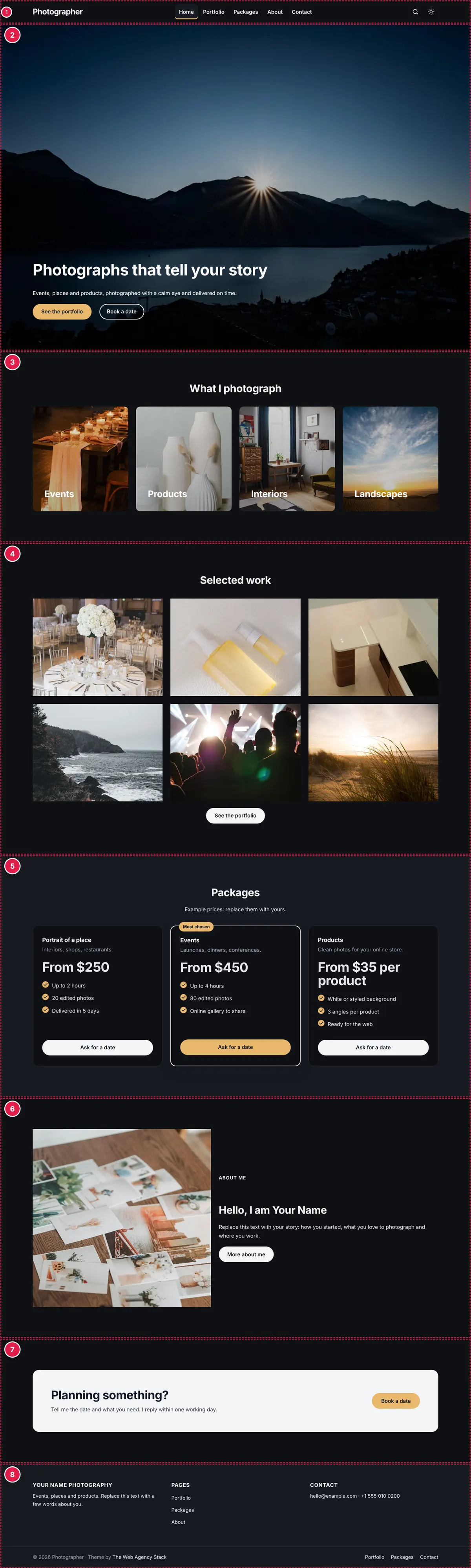
| # | Part | Change it in |
|---|---|---|
| 1 | Header | Theme options → Header, and Appearance → Menus |
| 2 | Section “Photographs that tell your story” | Page builder: open the home page, click the element |
| 3 | Section “What I photograph” | Page builder: open the home page, click the element |
| 4 | Section “Selected work” | Page builder: open the home page, click the element |
| 5 | Section “Packages” | Page builder: open the home page, click the element |
| 6 | Section “Hello, I am Your Name” | Page builder: open the home page, click the element |
| 7 | Section “Planning something?” | Page builder: open the home page, click the element |
| 8 | Footer | Theme options → Footer, Business info, and Appearance → Menus |
What to replace first
- Texts of every page: with AI or by hand.
- Photos: at the sizes in the image table.
- Phone, WhatsApp, email, address and hours: Theme options → Business info.
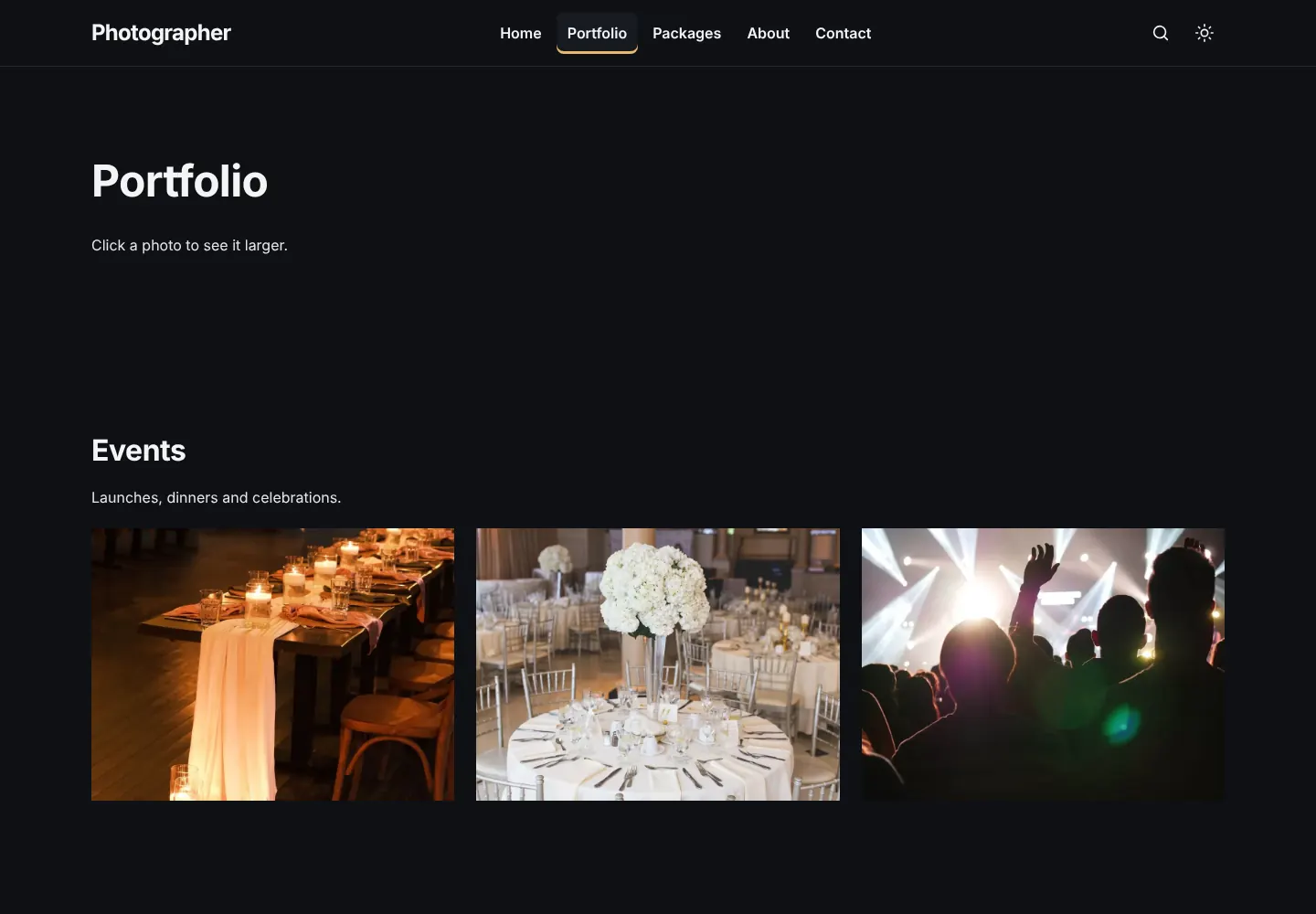
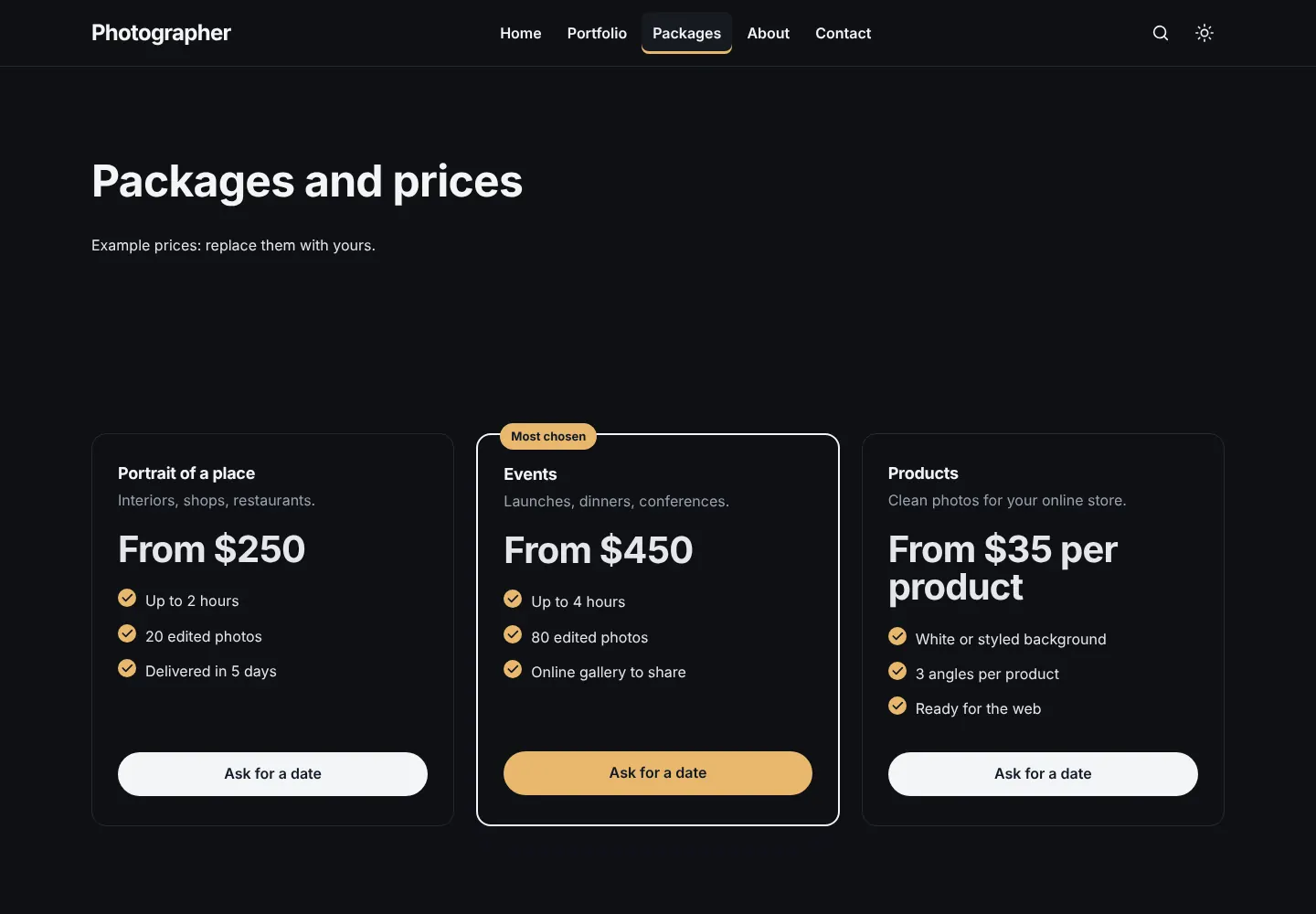
- Portfolio photos: the page Portfolio. Packages: the page Packages.
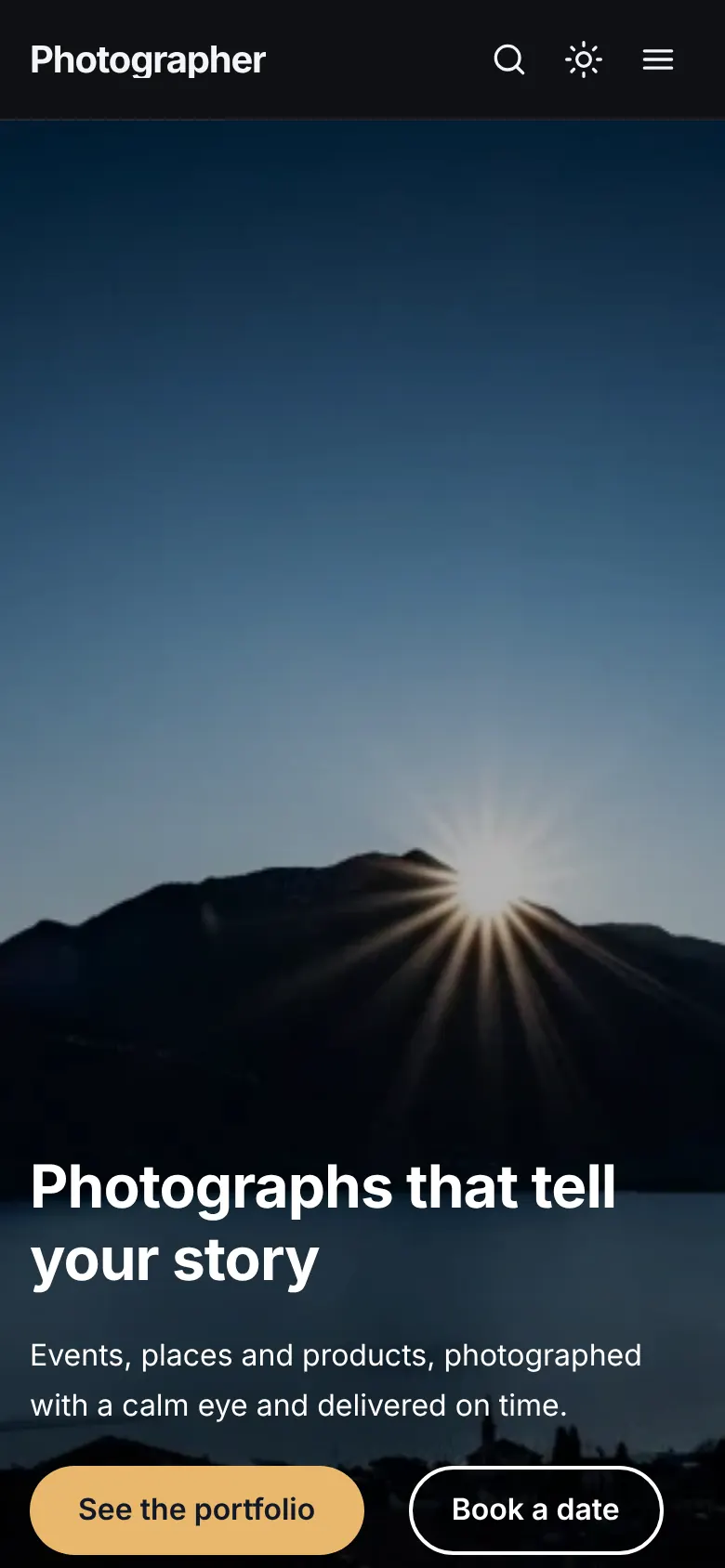
On a phone
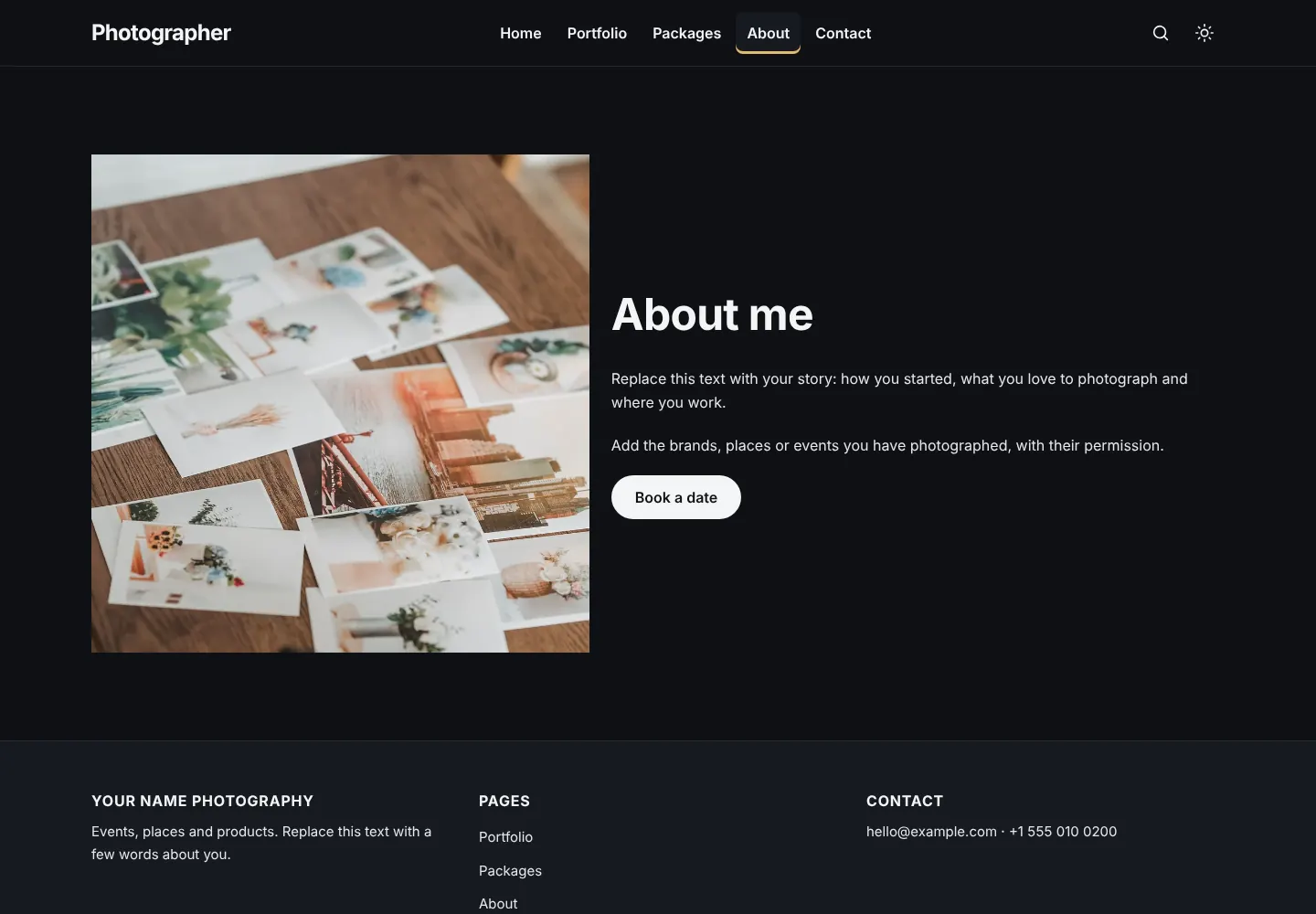
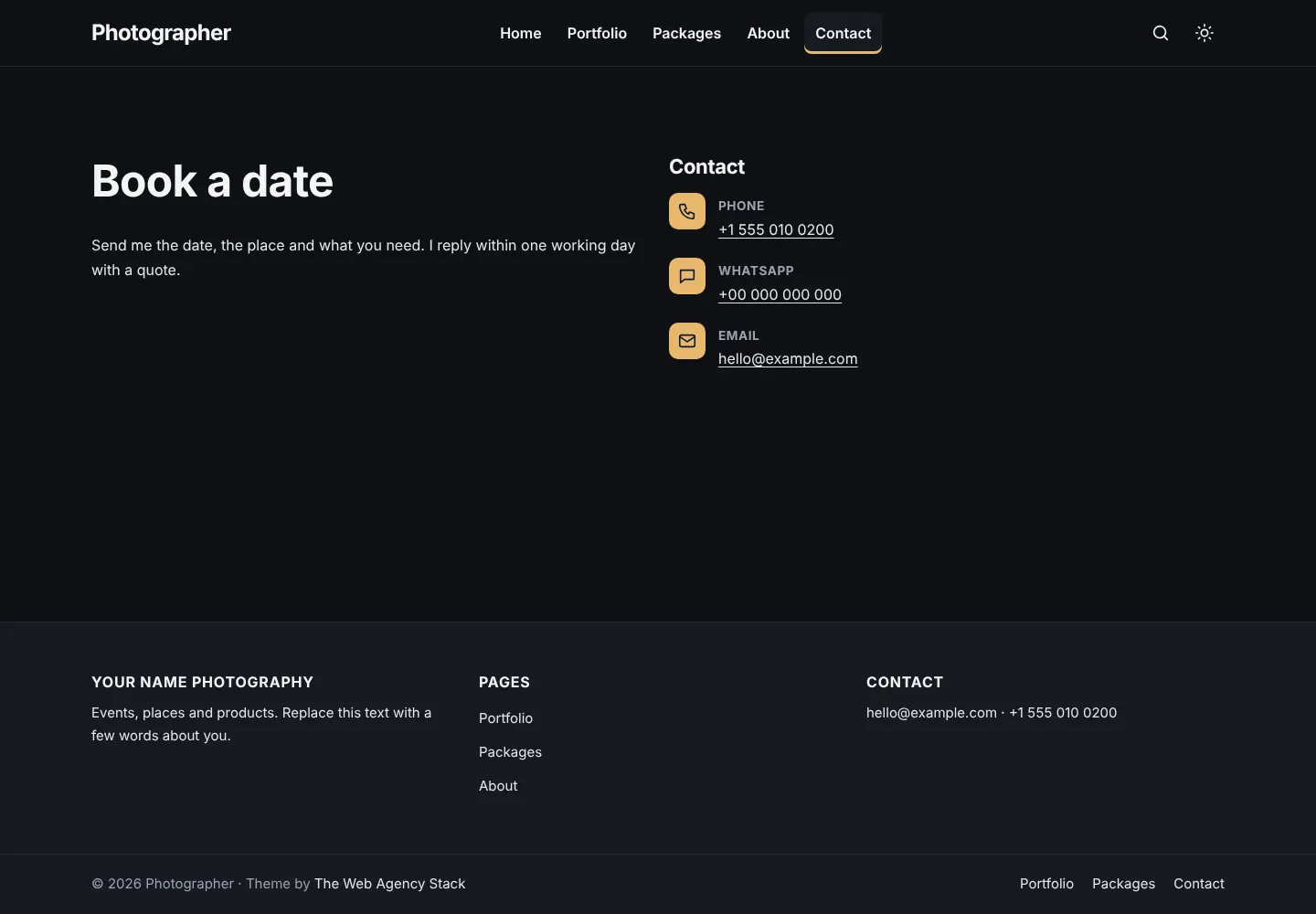
The other pages
Stackora by The Web Agency Stack · Screenshots taken on WordPress 7.1.4 with Stackora 0.9.20.