SStackora guideMenu ▾
Stackora guide
Theme options
18 tabs, one search box, and the same options with a live preview in the Customizer.
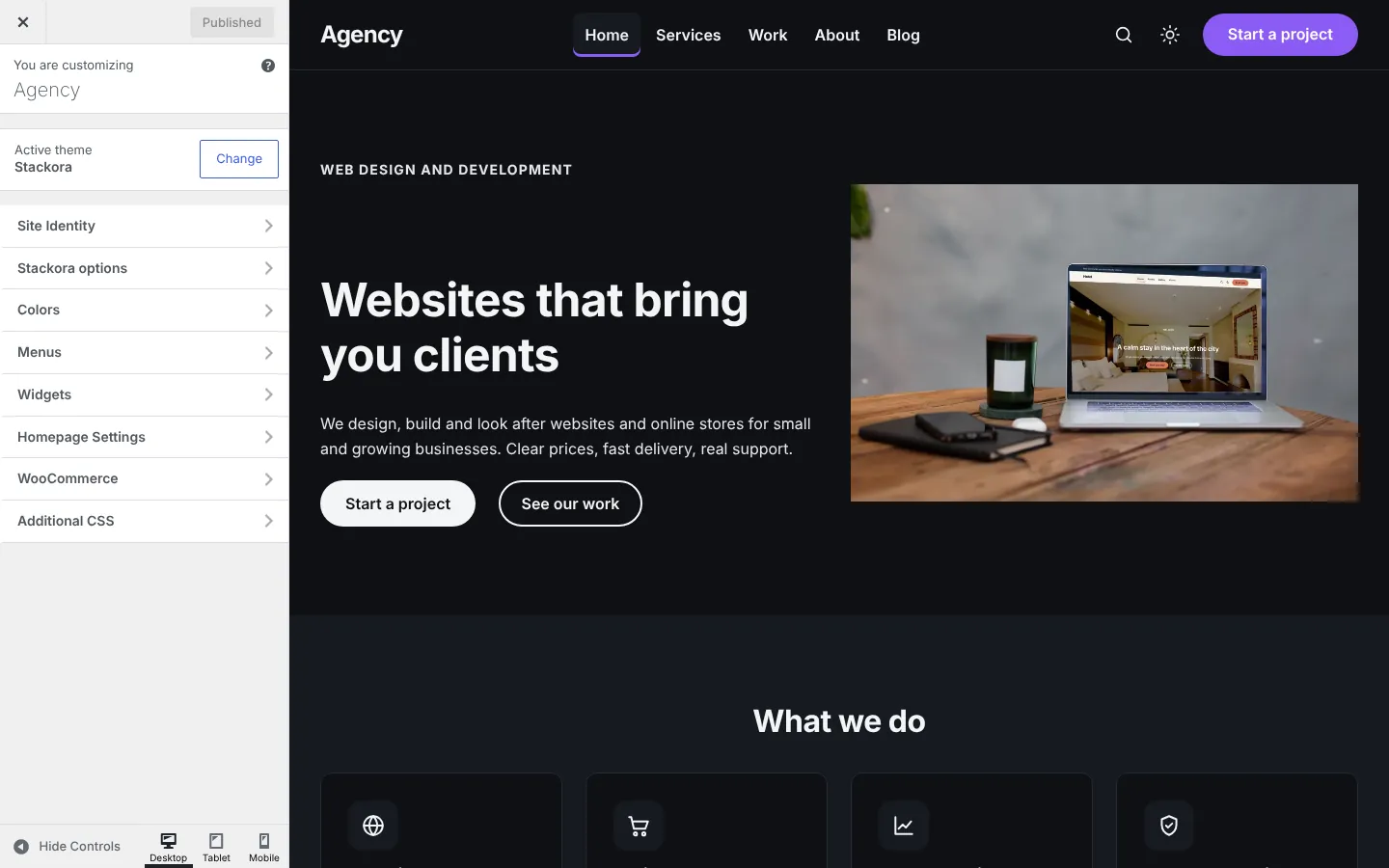
Open Stackora → Theme options. The search box at the top finds any option. Every option is also in Appearance → Customize with a live preview; both stay in sync.
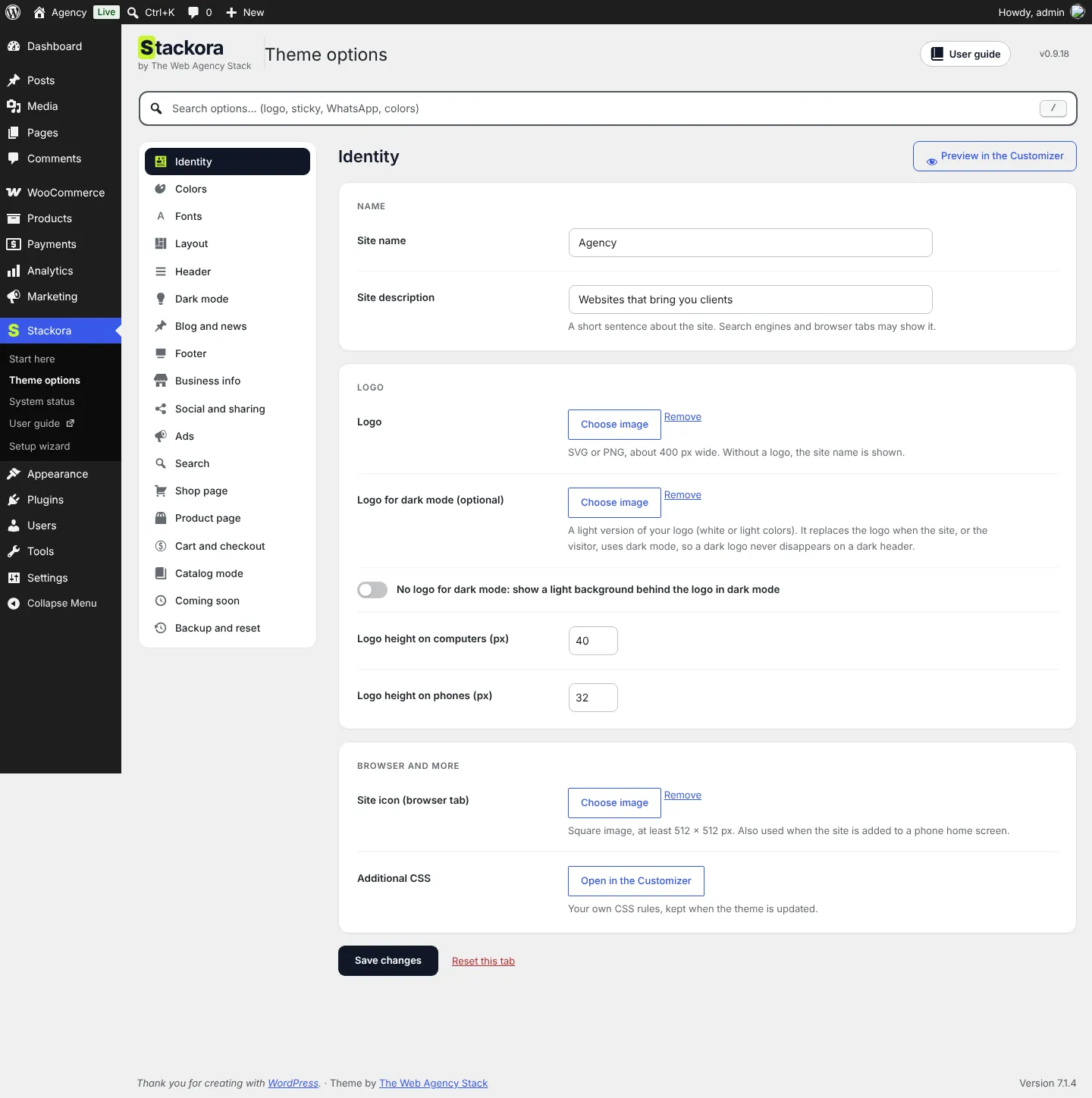
All 18 tabs
| Tab | What you set there |
|---|---|
| Identity | Site name, logo (and a light logo for dark mode), logo height on computers and phones, site icon. |
| Colors | Primary color for buttons and links, accent, text and background. |
| Fonts | Font pairs, loaded from your own site (no outside font service). |
| Layout | Content width, image names and sizes, 404 page. |
| Header | Layout, sticky header, search, language and currency switcher, header button, top bar. |
| Dark mode | Let visitors switch to dark mode, and choose the default. |
| Blog and news | Sidebar, reading time, reading progress bar, related articles. |
| Footer | Widget columns, bottom line, a page used as footer. |
| Business info | Phone, WhatsApp, email, address and opening hours, used everywhere on the site. |
| Social and sharing | Your profiles and share buttons. |
| Ads | Ad codes at the start, middle and end of articles and between articles. |
| Search | What search covers and instant results while typing. |
| Shop page | Product cards, quick view, stock alerts. |
| Product page | Gallery layout, options as buttons, quantity buttons, sticky add to cart bar, sale countdown. |
| Cart and checkout | Side cart, free shipping bar, distraction-free checkout. |
| Catalog mode | Show products without online ordering: an Order on WhatsApp or Request a quote button replaces the price and cart. |
| Coming soon | Show a “coming soon” page to visitors while you build. |
| Backup and reset | Export and import your settings, restore earlier settings, reset. |
A look at some tabs
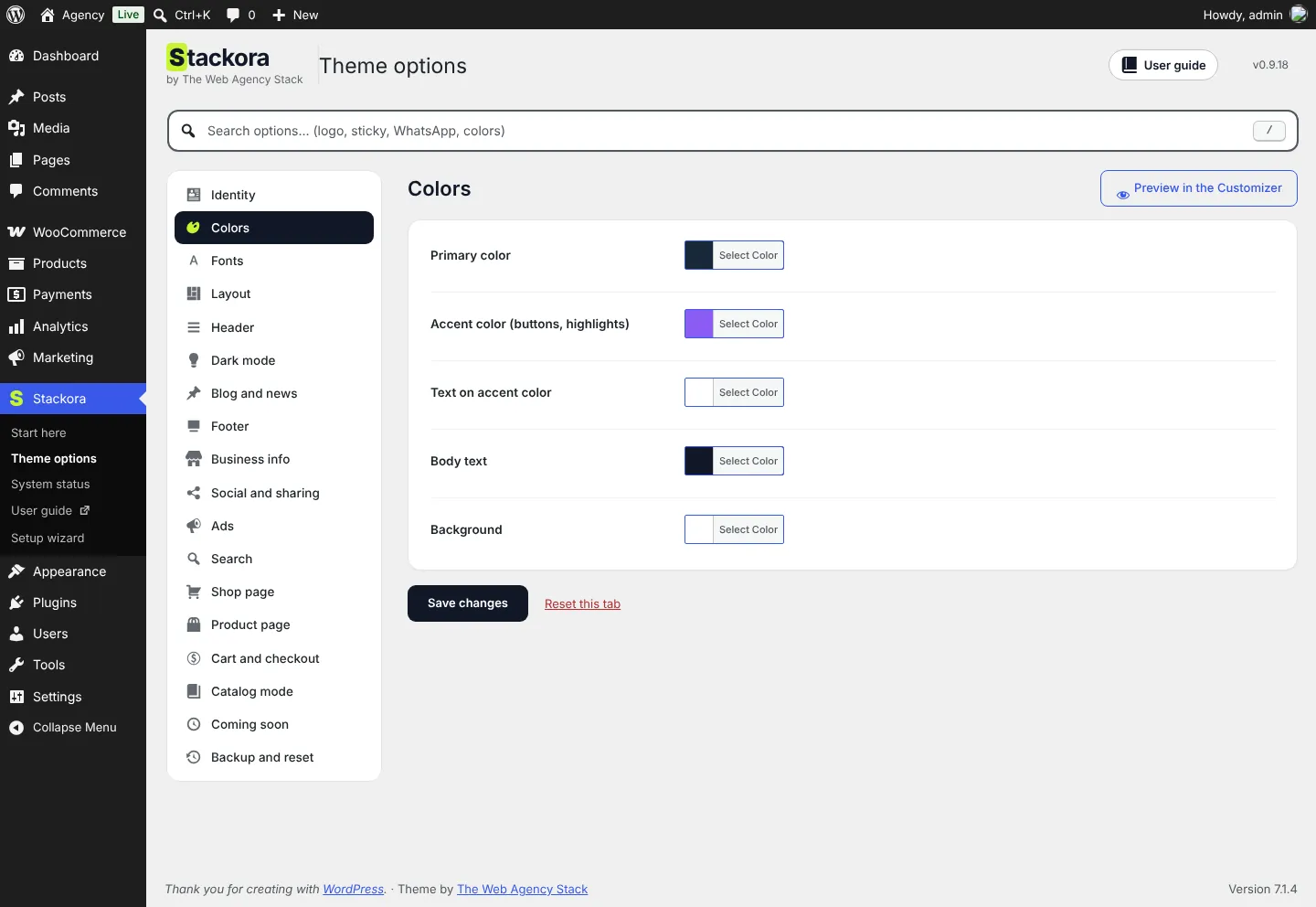
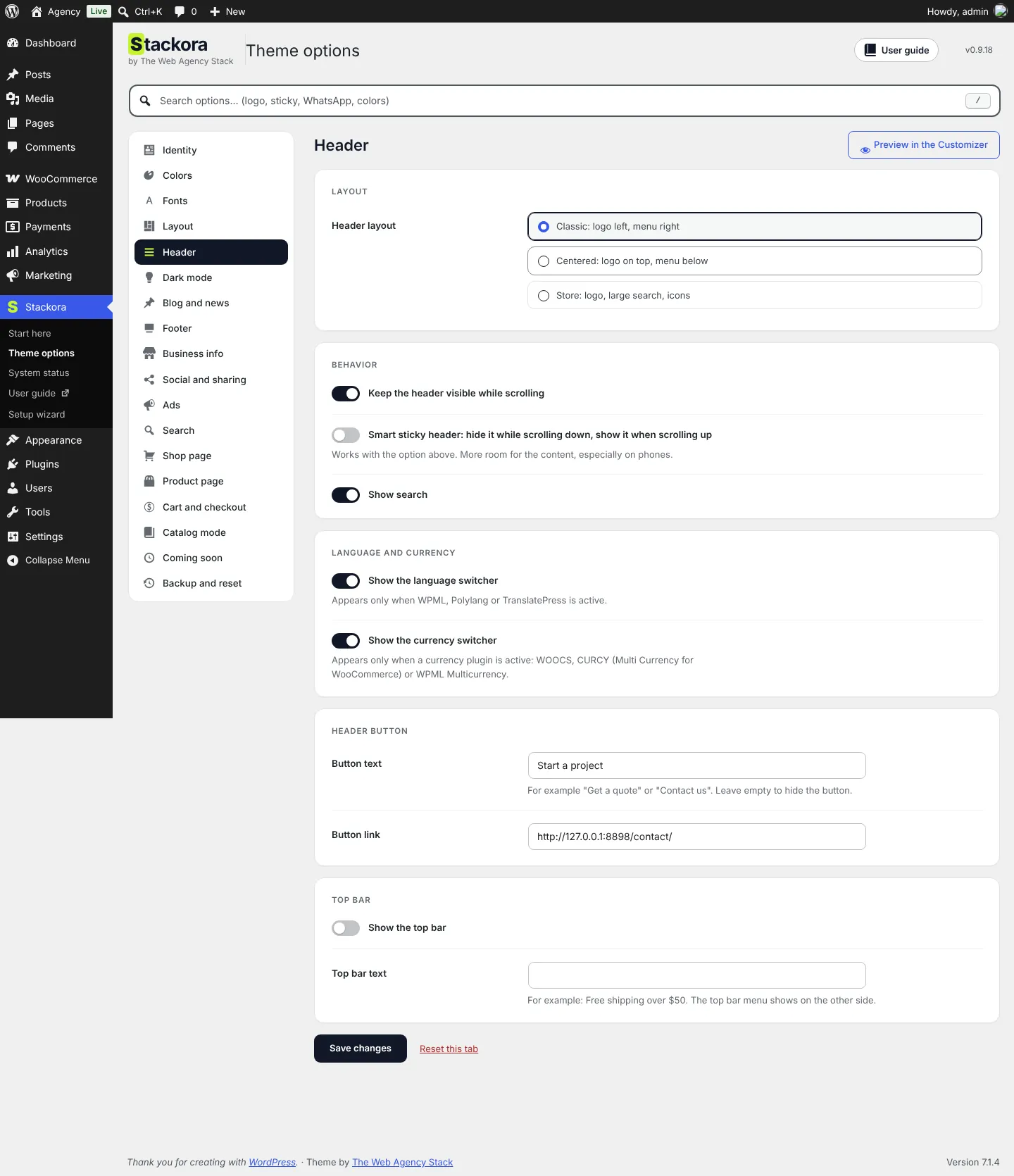
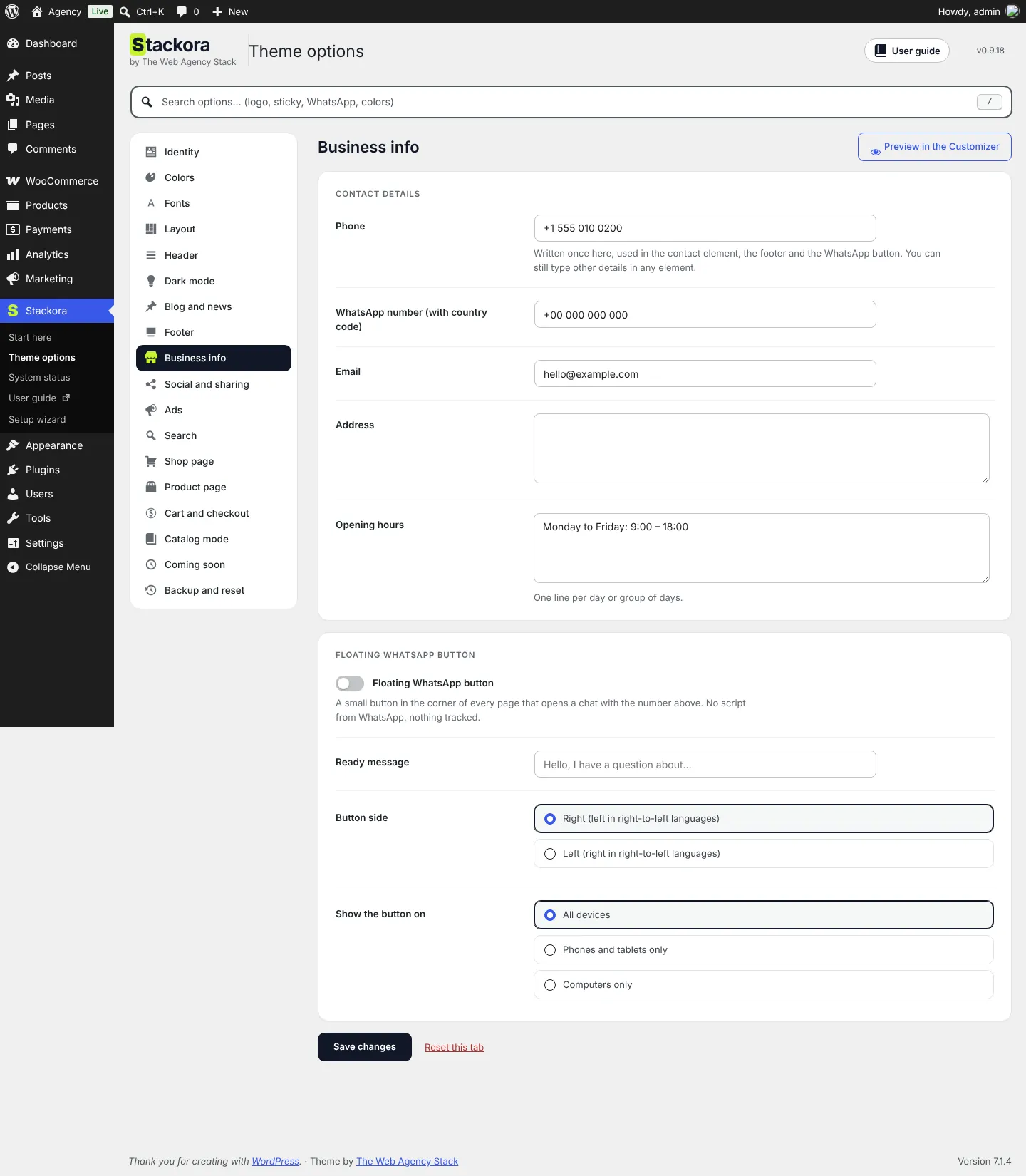
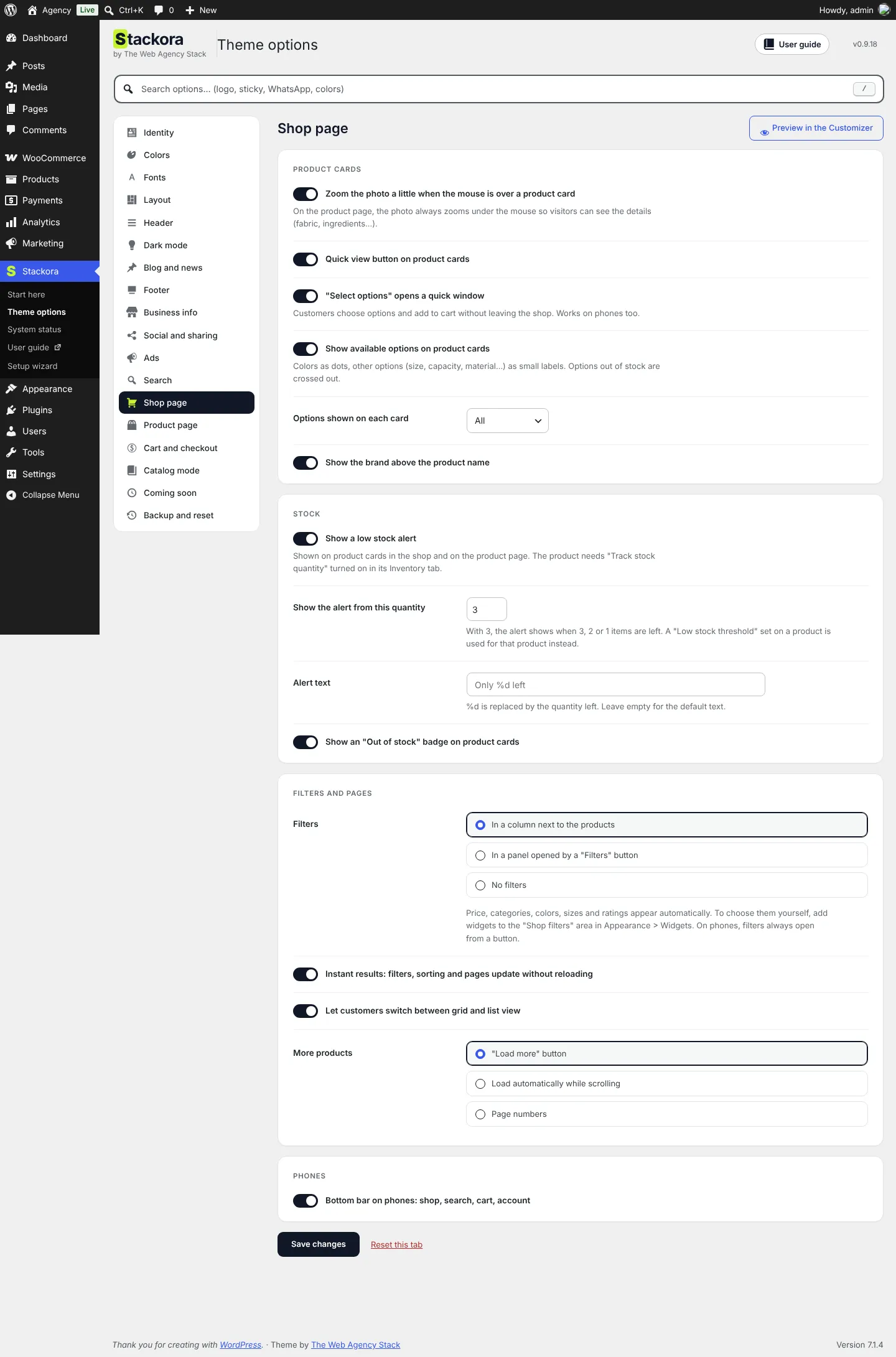
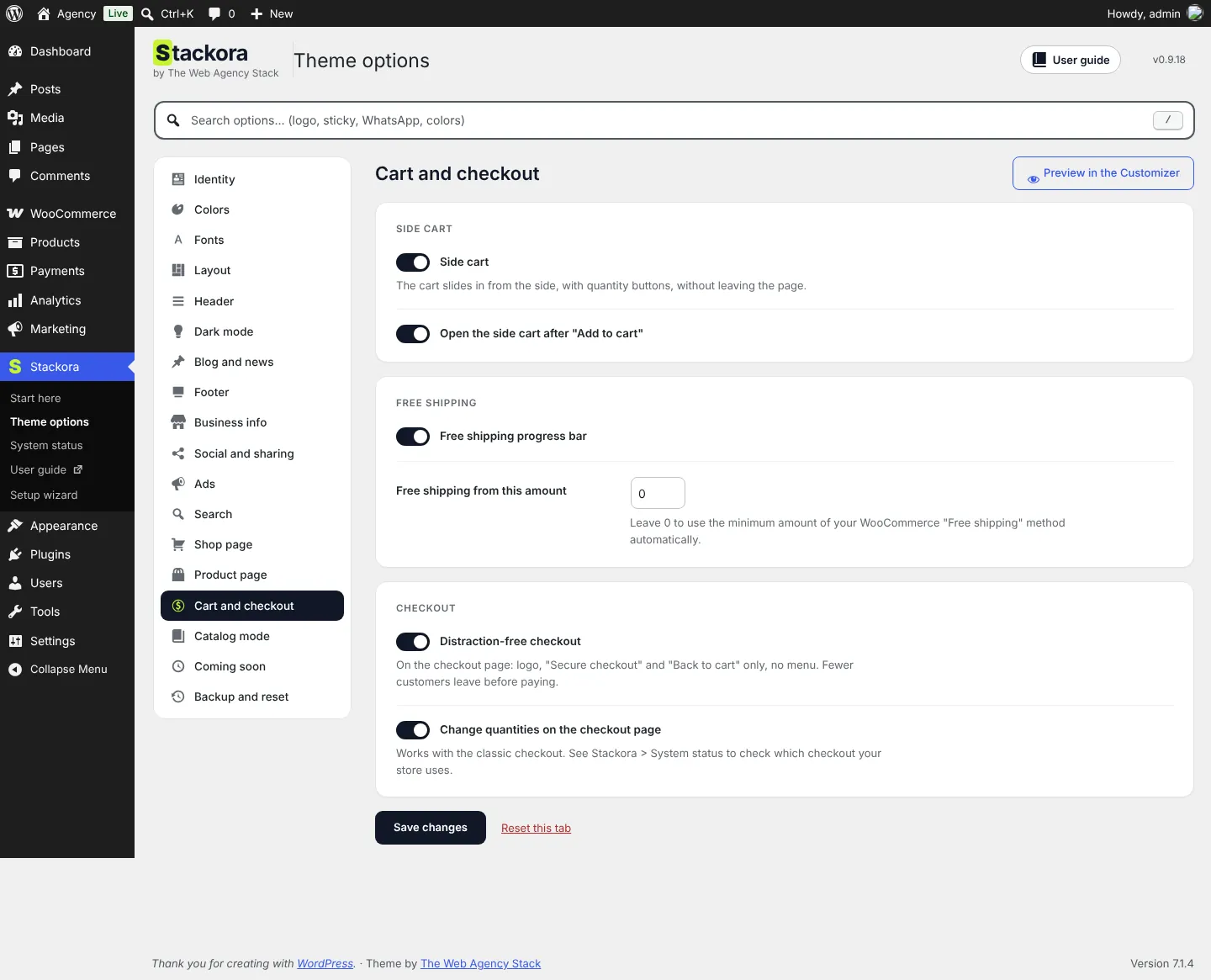
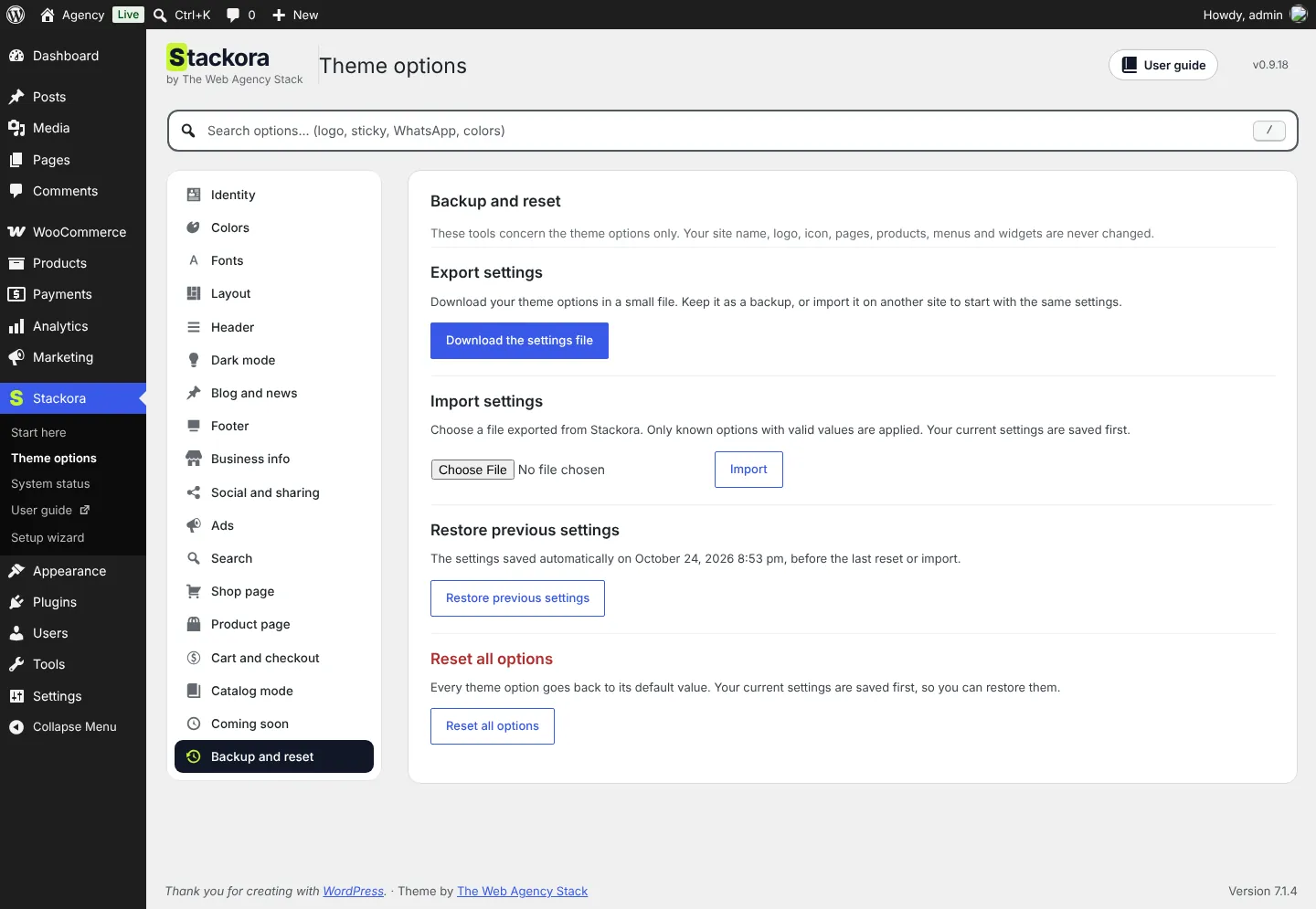
Live preview in the Customizer
Stackora by The Web Agency Stack · Screenshots taken on WordPress 7.1.4 with Stackora 0.9.20.