SStackora guideMenu ▾
Stackora guide
Build your site with Stackora
Everything from the first upload to a fast, finished site, with screenshots of every screen.
Build your site and start selling in one day.
Stackora is a light WordPress theme with a free page builder, 9 complete demos and an optional AI helper. This guide follows the order you will work in: install, run the setup wizard, replace the demo texts and images (by hand or with AI), then fine-tune.
What you need
- WordPress 6.4 or newer (tested with WordPress 7.1). PHP 7.4 or newer; PHP 8.1 or newer is recommended.
- For writing with AI: WordPress 7.0 or newer and an AI provider connected in Settings → Connectors. Everything else works without AI.
- For the three store demos: WooCommerce (free). The wizard installs it for you.
- A domain name and a professional email address: see the domains and email we recommend.
- A good host: see the hosting we recommend.
The order to follow
- Install the theme (a zip upload, two minutes).
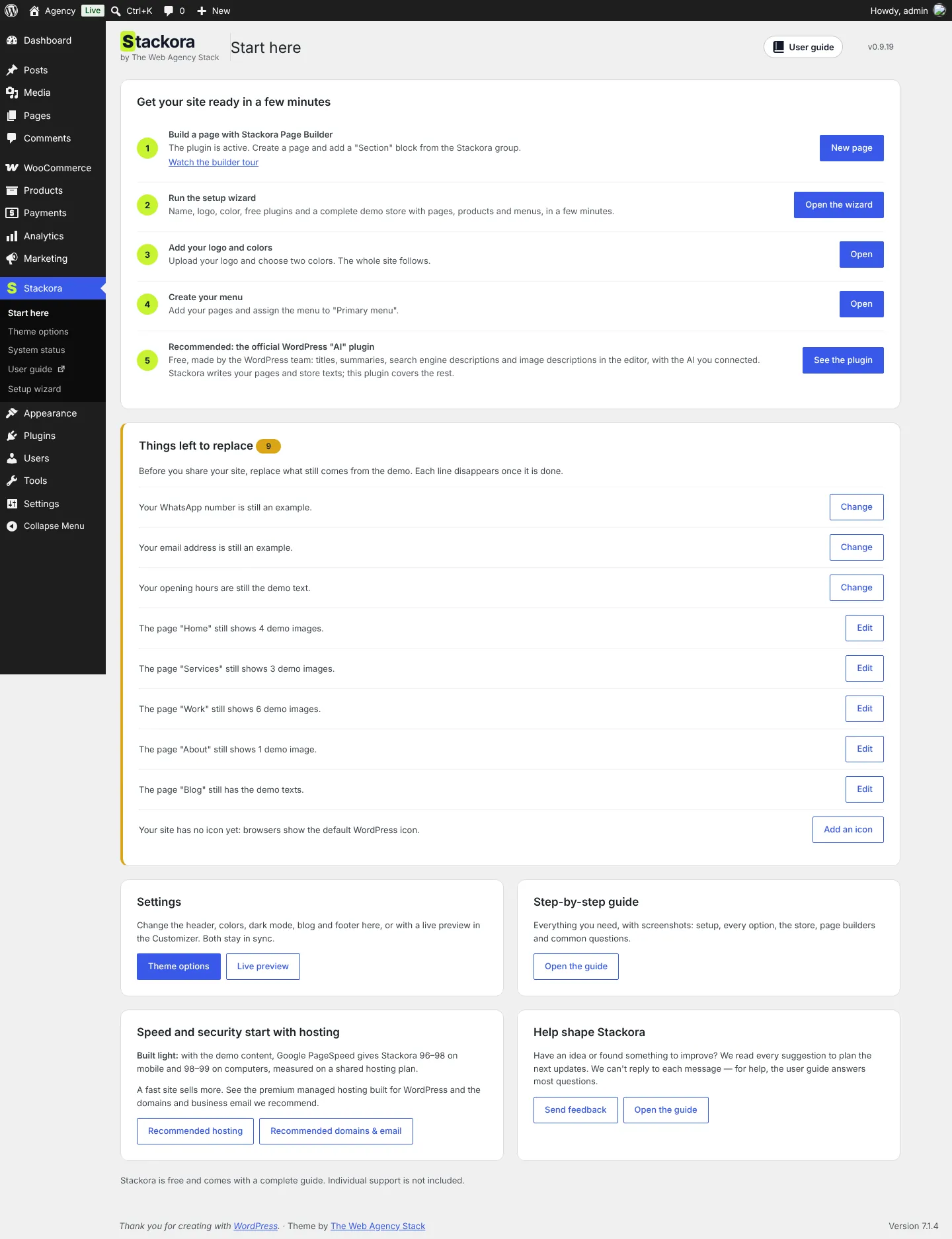
- Run the setup wizard: name, logo, colors, the free plugins and a complete demo. Install a complete demo in about 10 minutes.
- Replace the demo texts: with AI in a few minutes, or by hand in the page builder.
- Replace the demo photos with yours, at the sizes in the image table.
- Check speed and System status, then publish.
TipEach demo has its own page in this guide, with a numbered screenshot that tells you what each part of the home page is and where to change it. Start with All 9 demos.
Some links on this page lead to our recommendations. If you buy through them, we may earn a commission at no extra cost to you.
Stackora by The Web Agency Stack · Screenshots taken on WordPress 7.1.4 with Stackora 0.9.20.